






As a remote video editor and content creator for a travel company, producing high-quality videos and digital content is key.
This role requires mastery of tools and platforms to develop engaging video and social media content that connects with modern audiences across various digital platforms. To deliver top-notch videos and next-level content, the right technical skills and creative vision are crucial. By leveraging my experience as a video producer and professional editor, I’m able to shape an effective remote workflow that allows me to collaborate across teams while meeting content creation needs. When it comes to creating compelling short-form video content quickly, having the right tools is essential. Through trial and error, I’ve settled on a toolkit that allows me to film, edit, and distribute video content efficiently. Here’s a rundown of my favorite apps and equipment for short-form video creation within remote jobs:
Technical Stuff – Technical Expertise for Flawless Video Production
For filming and editing video, Final Cut Pro, InShot, and CapCut are my go-to apps. All of them offer robust tools in user-friendly interfaces that help me get the job done whether I’m on my iPhone or laptop. Speaking of devices, having an iPhone with a high-quality camera is clutch for spur-of-the-moment video recording. Backing up my phone footage is easy with dropbox, which allows me to categorize and create folders which I can share with the marketing team easily. In terms of online tools, 4K Video Downloader helps me download videos from YouTube, while keeping the content high quality. When it comes to saving TikToks and Instagram reels, I rely on saveTik.app and snapinsta.app. Finally, blue light filtering glasses are a must for editing sessions so my eyes don’t get fried staring at screens all day.
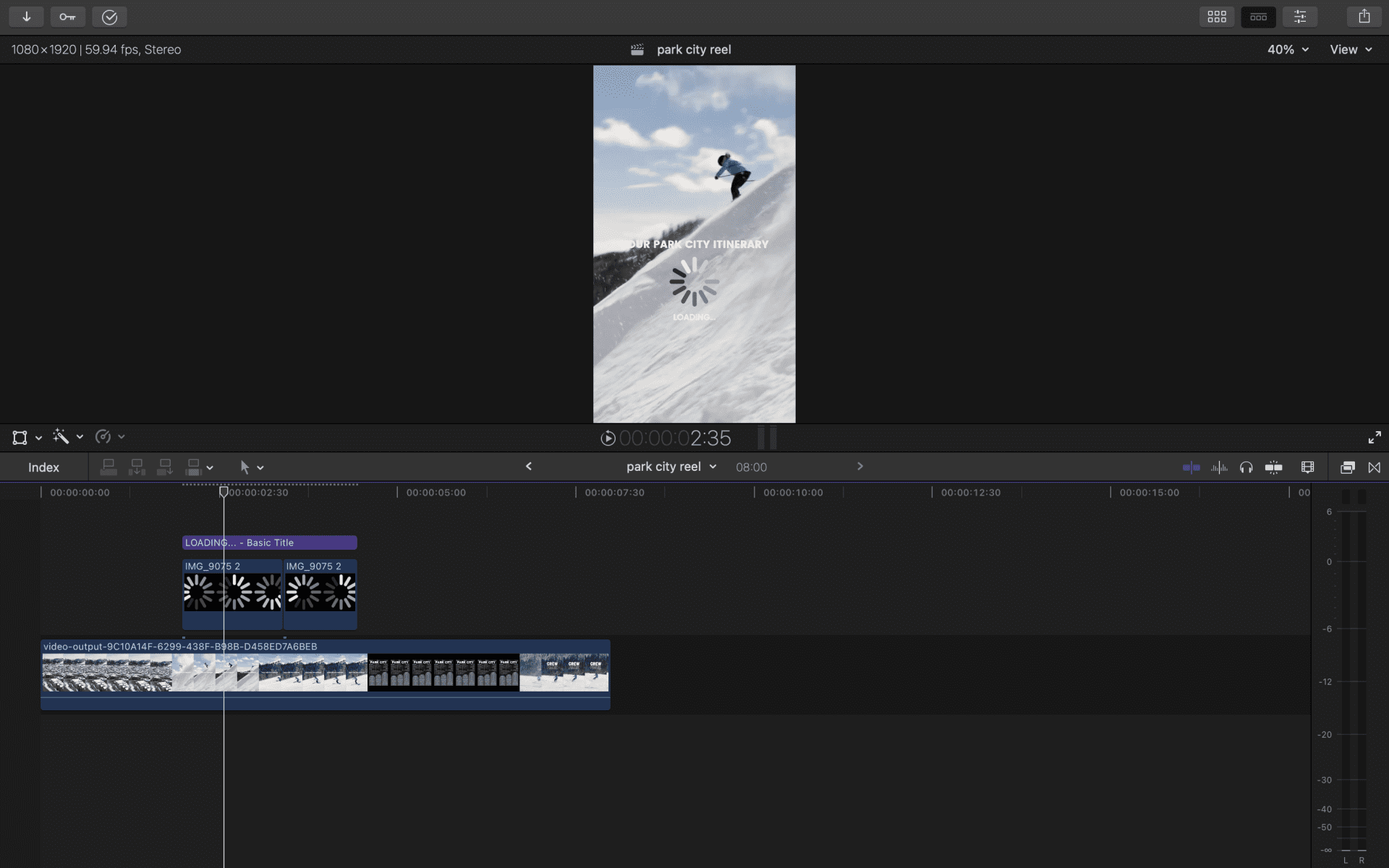
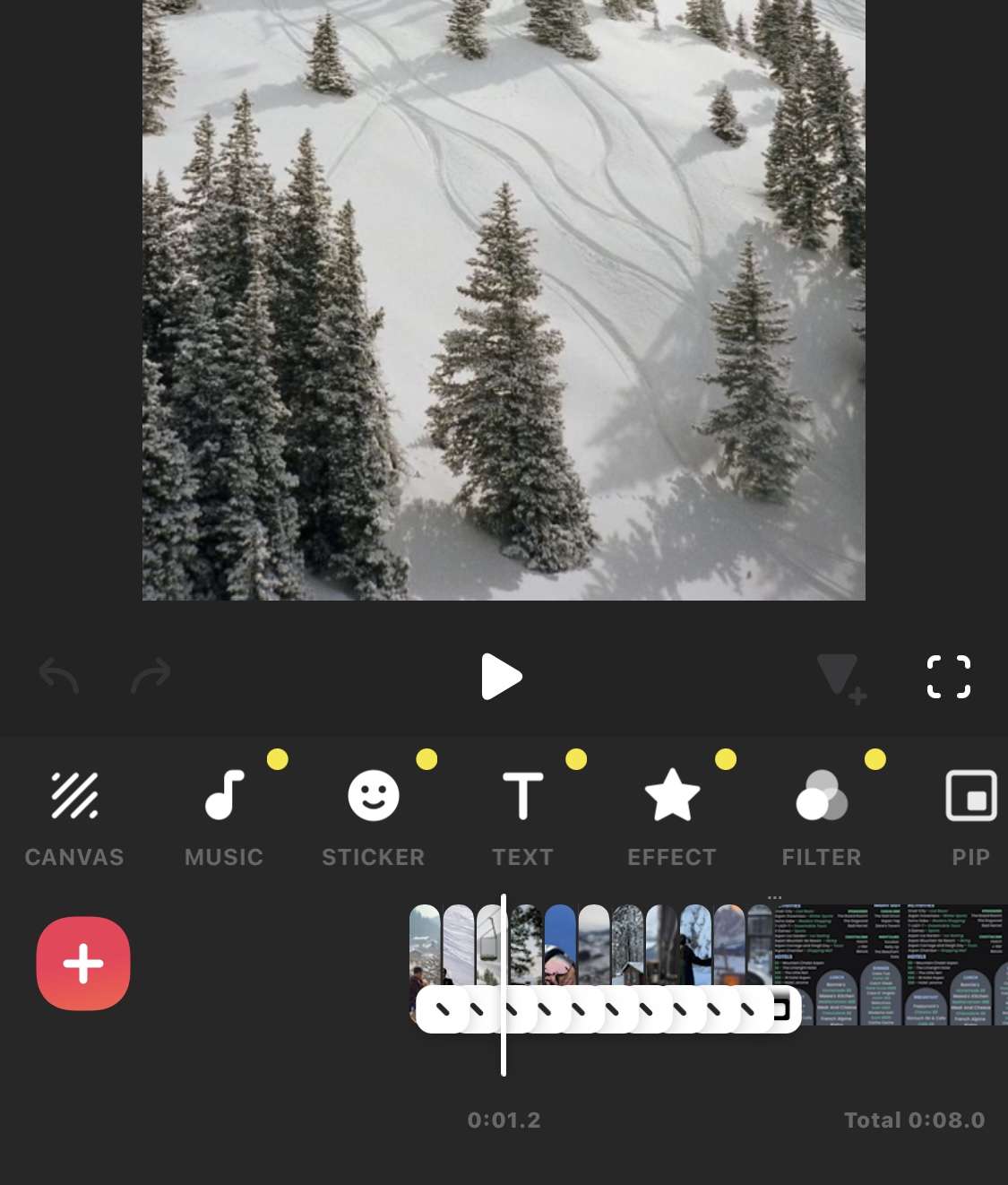
The foundation for success starts with editing skills and access to the best platforms and tools. With video editing projects, having an optimal setup to manage the intensive editing process is a must. For corporate videos I mainly use Final Cut Pro on my laptop to more complicated edits that include masking and motion graphics. For more simple straight forward edits I use InShot and CapCut on my iPhone and usually add some of their built in transition effects or templates to add some style to the video. Using both of these versatile softwares enables me to efficiently create videos optimized for different social media channels and various types of videos.
For remote video production, secure cloud-based tools facilitate seamless collaboration across teams. Dropbox is the main software we use as a team to share our video assets with our clients and to our fellow team members. Constantly sharing video content in a remote position can be tricky since the files are much larger. Dropbox enables us to keep the quality of our content, while keeping it organized in their respected folders. I personally also use Google Drive and pay for the monthly subscription of 100 gigabytes. As someone who is constantly working on a few video projects at a time, having this extra digital space ensures my laptop wont be slowed down with heavy video files. Making sure to keep up with uploading and deleting unneeded files on a monthly basis is crucial to keeping your digital workspace organized. With the right technology, I’m able to focus more on producing high-quality videos rather than getting bogged down in technical hurdles.
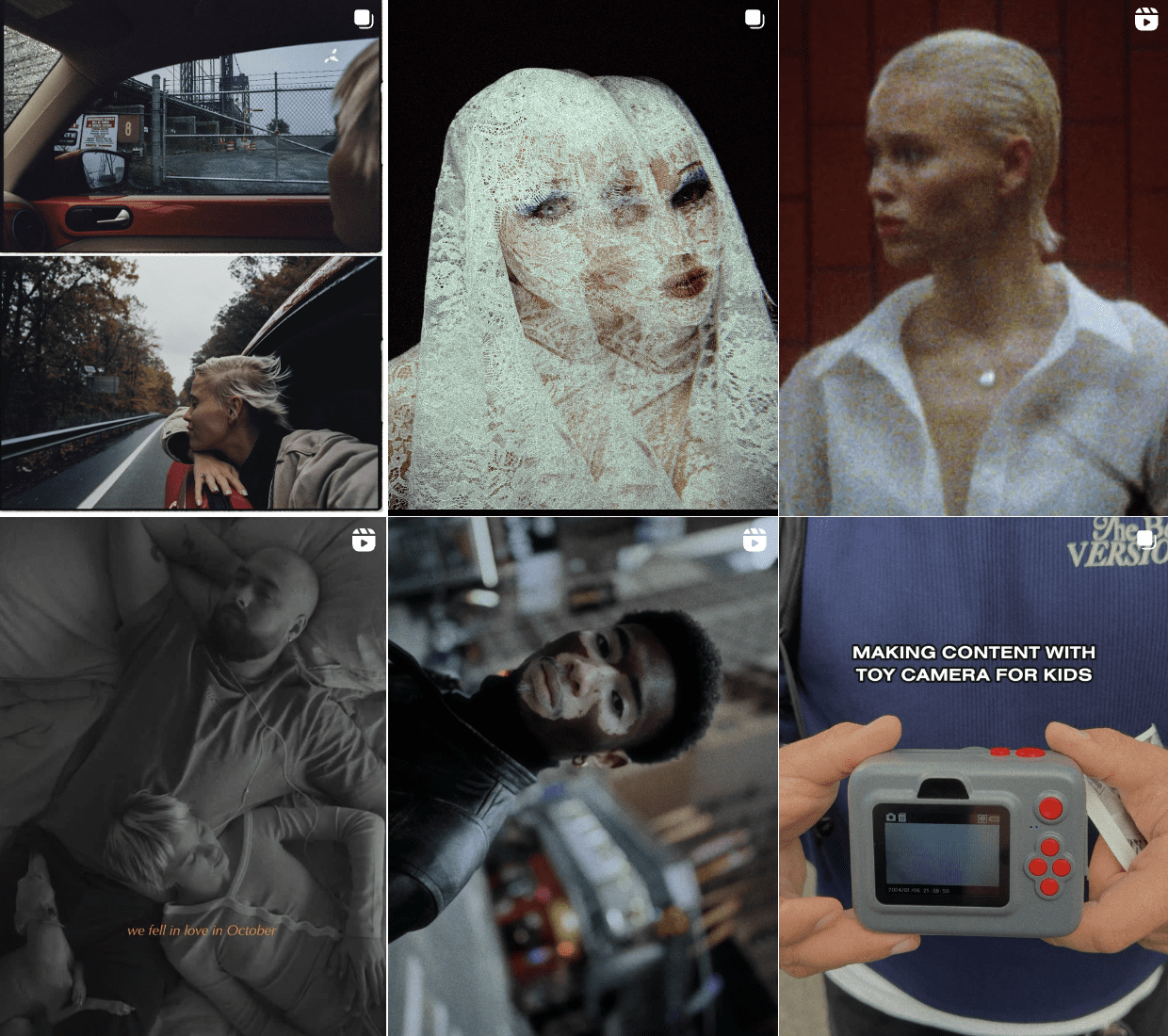
When I get stuck on editing techniques, I turn to the best Instagram accounts that offer video editing tips from the experts or other content creators. The ideal candidate I go to on Instagram is @pvlkrknv for inspiration, as he posts incredible videos with transitions and effects. You can find one of my favorite video edits he’s created here.
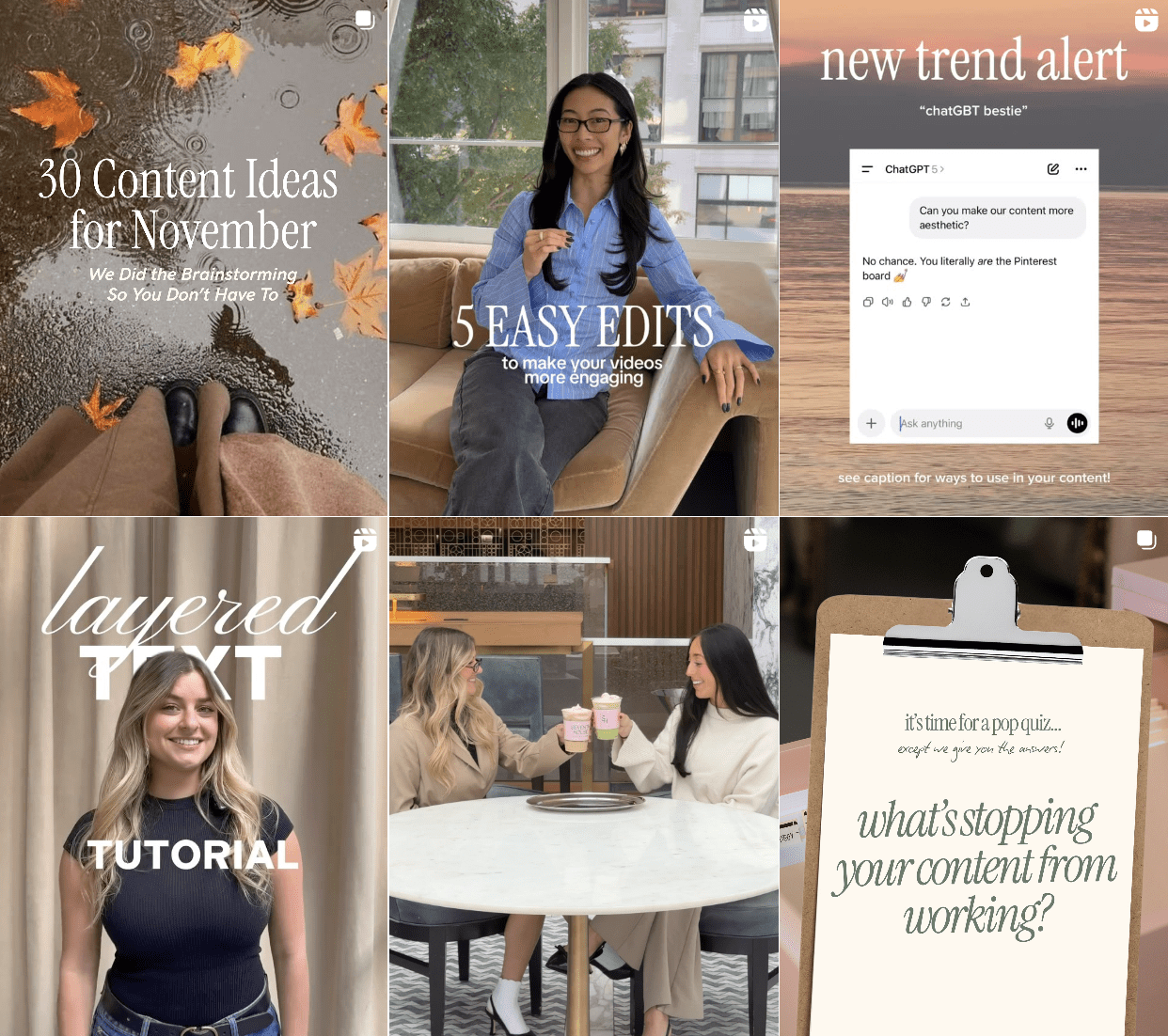
Another account I love to go to for help is @christy_ix, who is also the founder of Seventh House Marketing. What’s unique about Christy is she’s used her platform to share trending formats, tips for content creation, and content ideas through her agency’s sister account, @seventhhouseacademy. I constantly find myself visiting this page when I’m in a rut during content creation.
When it comes to specific editing questions I turn to YouTube videos to help me out. My favorite YouTube channels for editing and technical advice is Matthew O’Brian. If you are more of a beginner some of their best online videos I’d recommend are Final Cut Pro Tutorial: Step-By-Step For Beginners! (2025) and 15 EASY beginner tips that will make you FASTER in final cut pro” and vintage FILM LOOK in FCPX tutorial.
Finding Inspiration / Creativity and Strategy for Stand-Out Content
Discovering new ideas is an integral part of the content creation process and is a must if you want to be a successful video content creator. I make a habit of setting aside time to scroll specifically for inspiration. I create TikTok and Instagram folders dedicated to post and accounts that spark ideas that help me stay focused and inspired instead of falling down random rabbit holes.
As a content creator, generating engaging ideas and knowing how to maximize their potential is imperative. I start by researching trending topics and formats across top social media platforms to spark inspiration. This data helps me brainstorm creative concepts that I can produce into shareable social videos based on proven formulas. Consuming content consciously rather than mindlessly doomscrolling leads to lightning bolt creative moments I wouldn’t have otherwise. Setting aside time to specifically consume high-quality content is key.
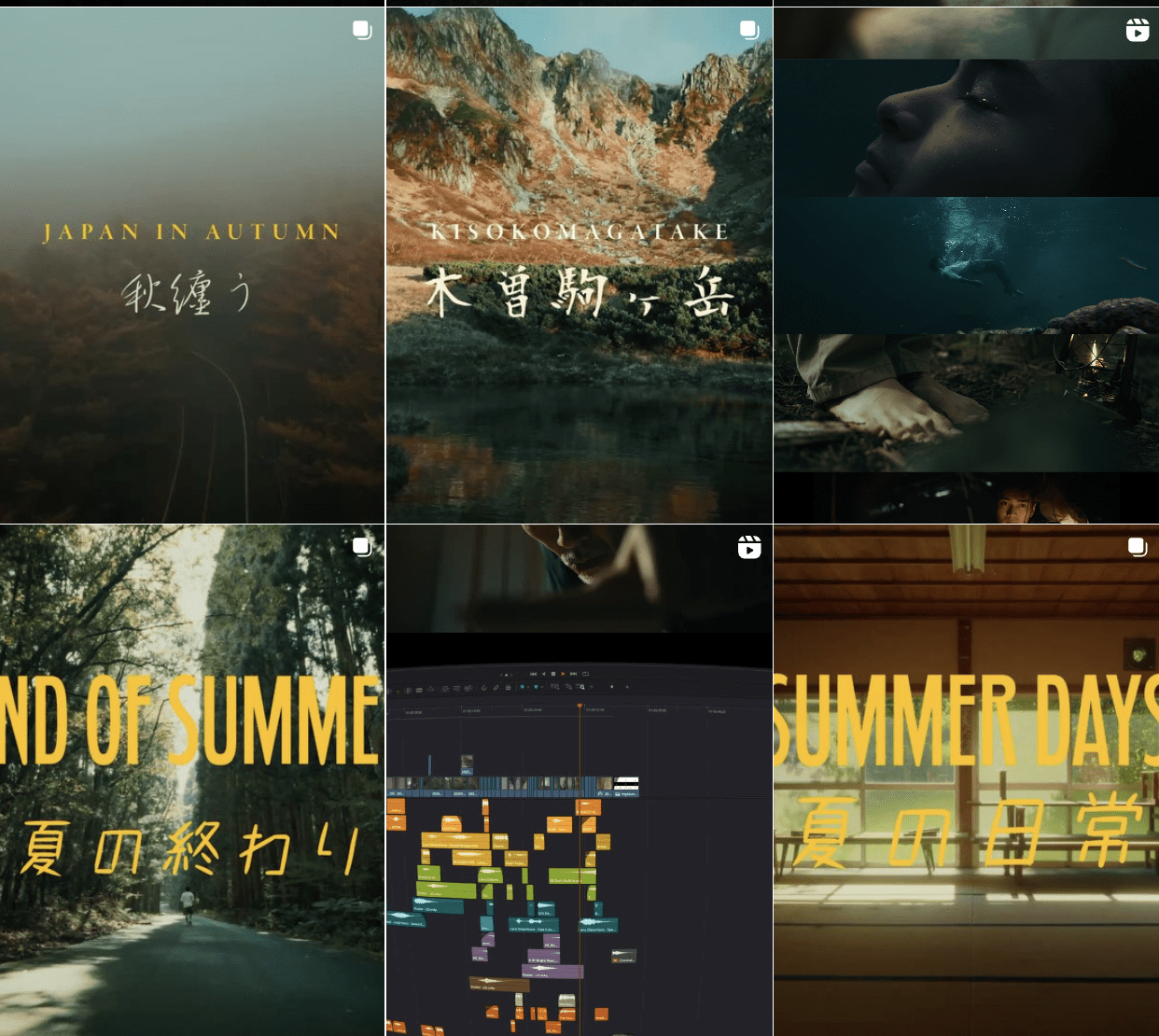
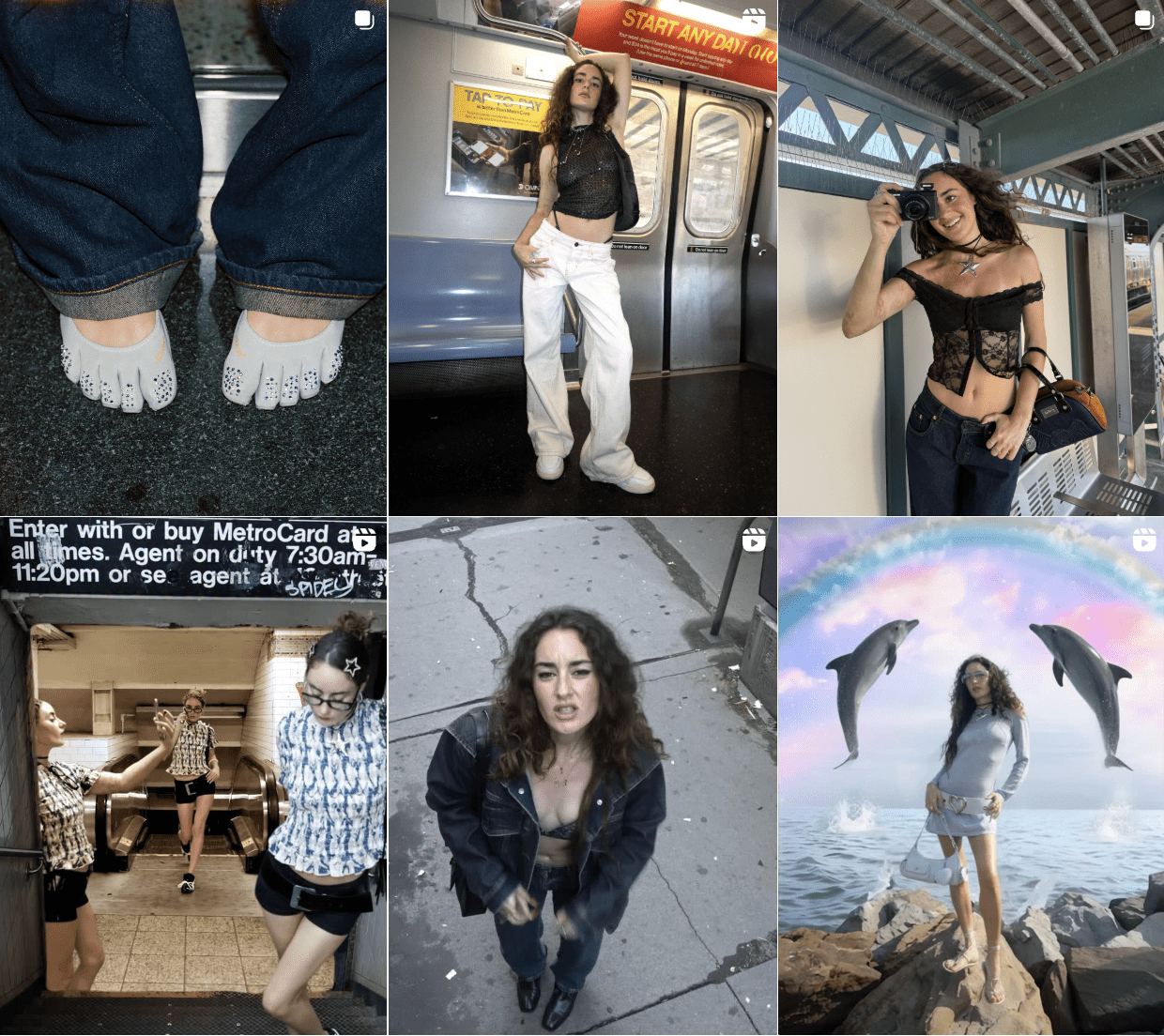
Some of my favorite accounts for inspiration are @yanabononi and @hiro.hashiguchi – both are video producers that are all killing it in the creative space
As I consume content, I pay attention to stand-out elements like mesmerizing visuals, catchy music, clever text, and other details. I take note of these so I can incorporate them into my own content later on. Creating saved folders with labels on Instagram, TikTok, and YouTube is a great way to do this. You can categorize these videos by type of content depending on the corporate setting you’re working for. Since I work for a company that is mainly focused on travel, various events, music festivals, hotels, and technology within the travel industry, it’s easiest if you put your own videos into a corresponding category. This way when you look back at your library of saved content its easy for you to find what you might need in the moment.
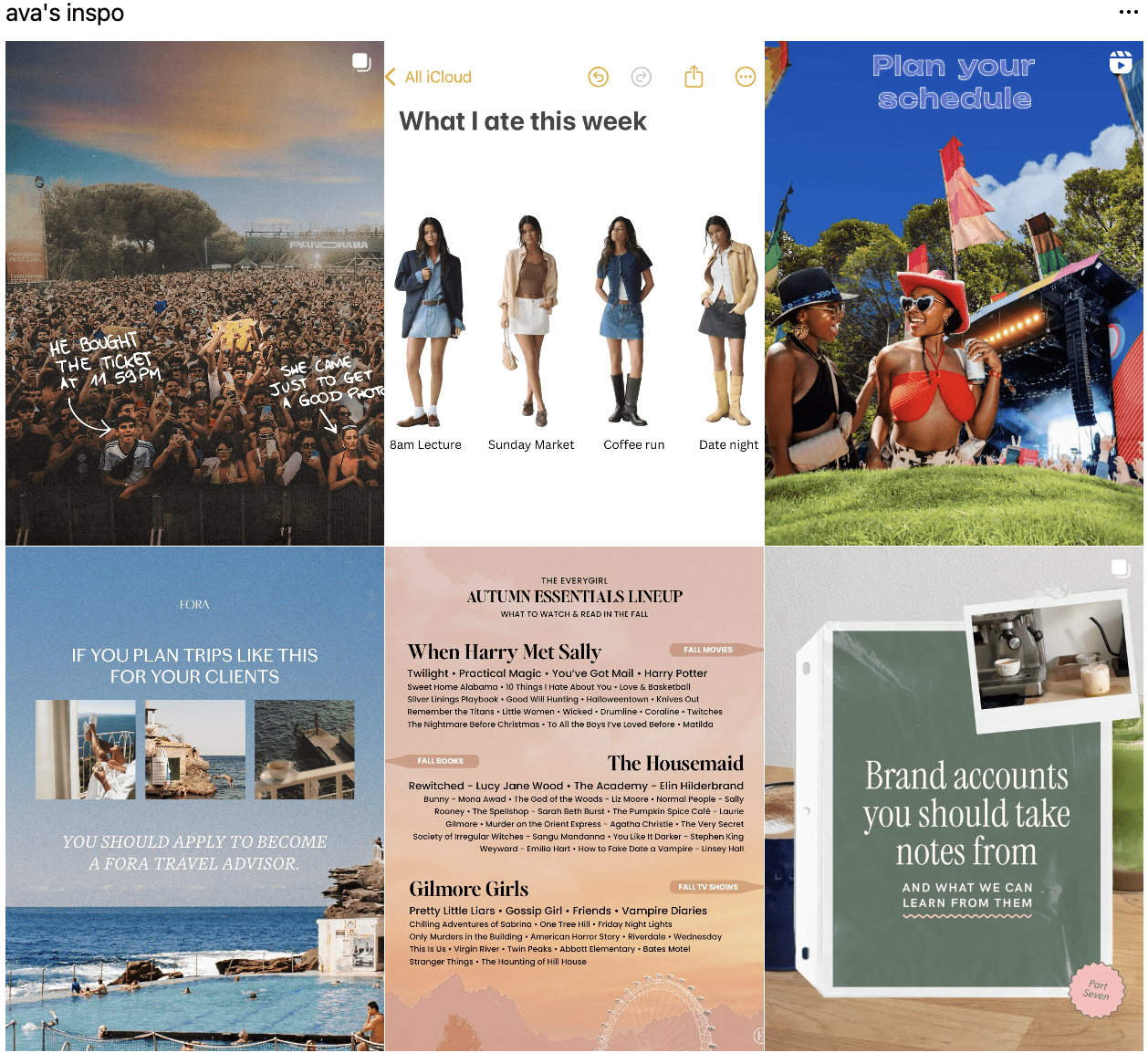
Research and Data Collection
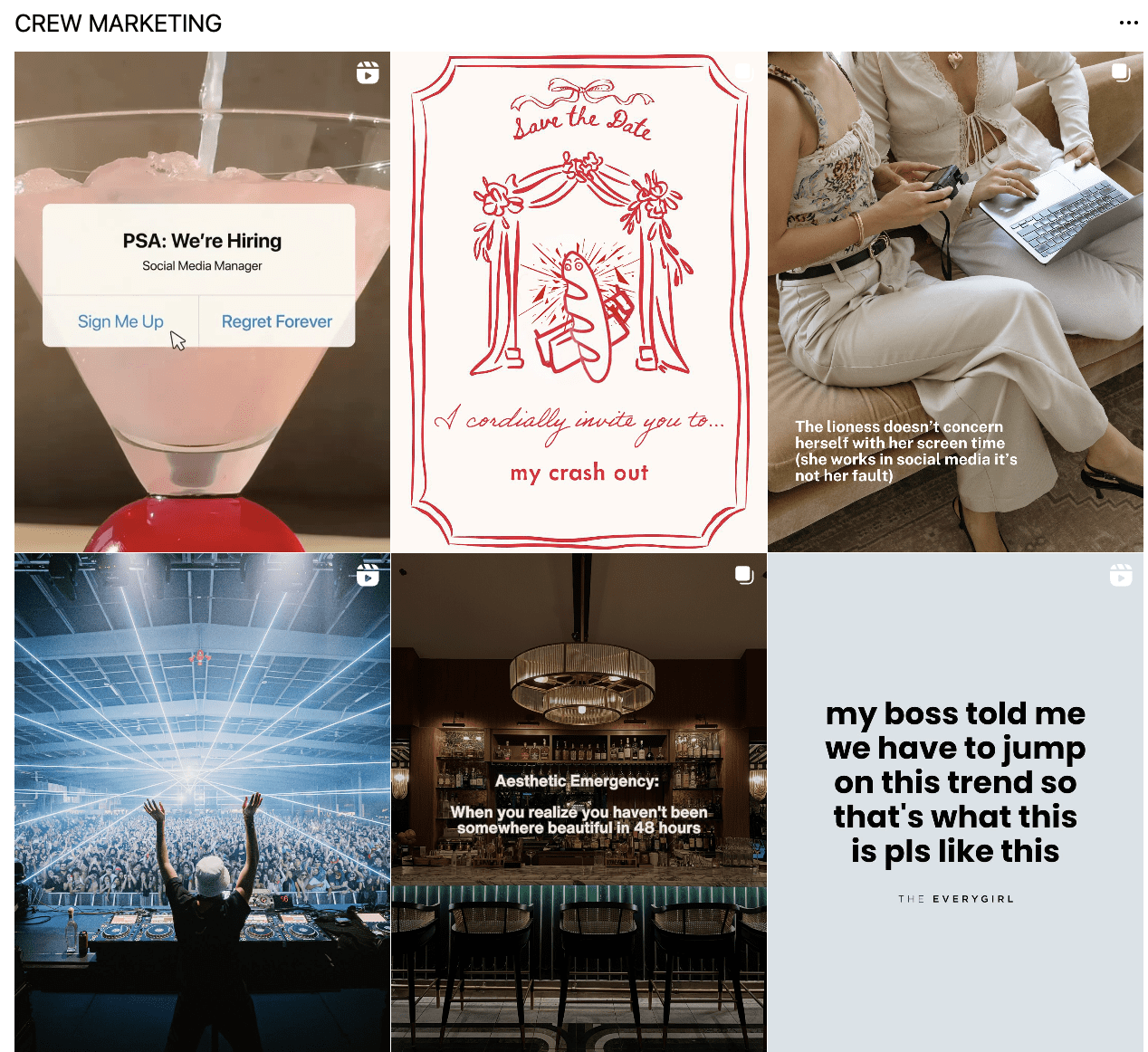
Seeking out brands with unique perspectives provides an opportunity to analyze what makes their content pop. I look closely at how certain companies stylize and personalize their posts to align with their brand identities. Beyond general posting strategies, I also investigate what kind of social campaigns and partnerships these accounts execute to boost engagement. As a professional video editor you should always be gathering this data.
Studying the posts that perform best gives insight into what their audiences respond to most. Comparing high-performing content to their average posts illustrates what grabs people’s attention and what doesn’t. Tracking a few interesting companies leads to all sorts of discoveries about trending topics, relatable stories, marketing tactics, and more that I can use to level up my own content.


Work Smarter, Not Harder
When I’m feeling stuck for ideas or how to produce something technically, I leverage AI tools to get unblocked quickly. Asking clear questions yields helpful answers that provide direction when I have none. AI can springboard my creativity and problem-solving in minutes versus hours of struggling alone. This allows me to work smarter, spin more plates, and avoid burnout in the process. The main AI tools I use are Chat GPT, Claude, and InVideoAI.
Take some time to research good prompts that will help you when it comes to the digital marketing space. If you’re feeling stuck promptvibes.com is a great site to get started. A lot of Instagram accounts also outline prompts, like @laurahaleydt. In the meantime, here are some prompts i’ve used in the past that might help you:
“Create a catchy Instagram reel headline with the keywords _”
“Create a list of low, medium, and high search volume hashtags for Instagram on the topic of _”
The key with creating stand-out short-form content is having efficient systems in place. Using the right tools, making inspiration a daily habit, constantly researching, and capitalizing on AI allows me to work smarter – not harder – while cranking out videos that pop.


Fluid Remote Creative Team Workflow
Producing stellar content hinges on effective collaboration, especially with remote video editing and production. As a team player in a digital role spanning time zones, maintaining alignment is imperative.
Our remote marketing team facilitates regular check-ins with Google Meet and Zoom consisting of a Monday meeting where we plan out our content for the following week and a Wednesday meeting where we usually have an assigned topic or assignment that we brainstorm on together. This enables us collect feedback early and often.
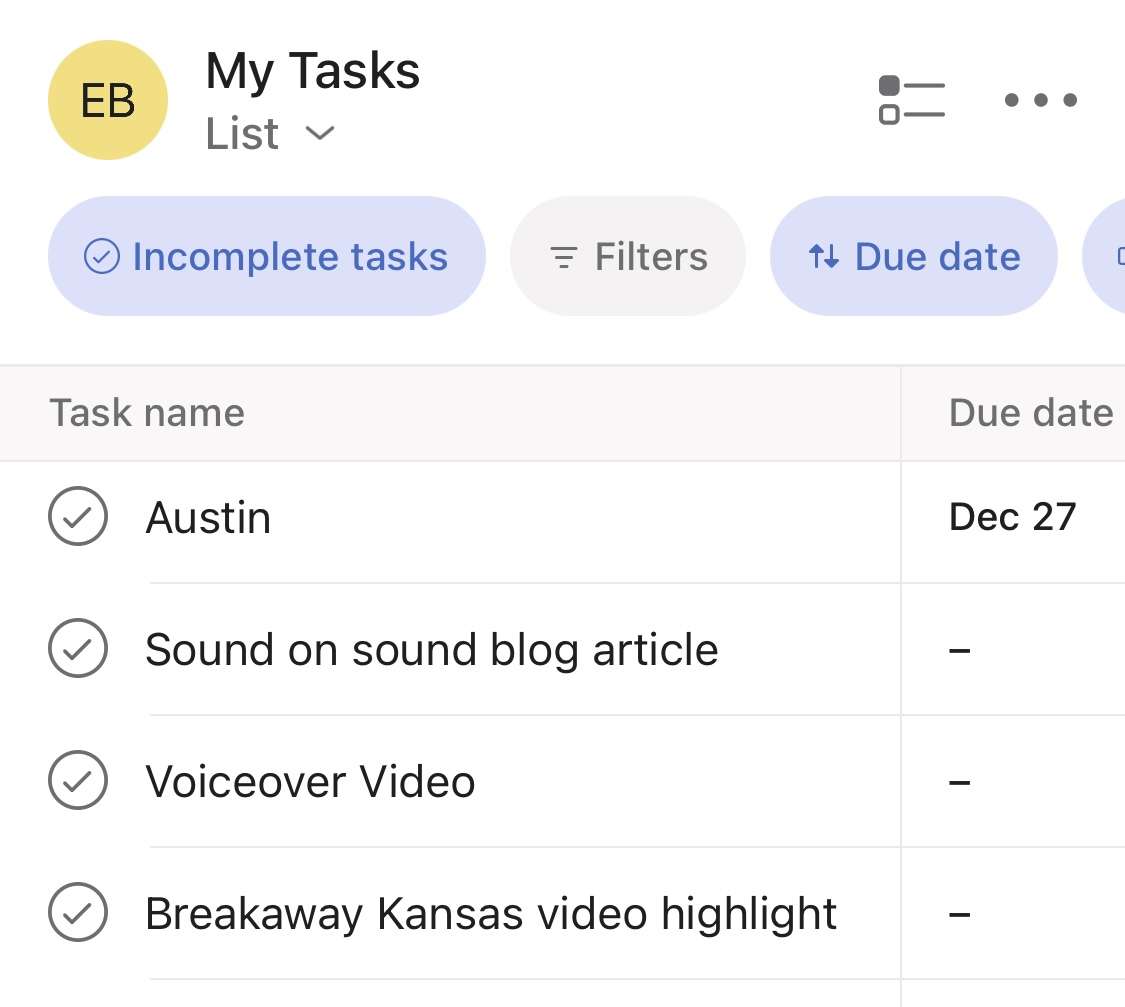
As a team we utilize Asana to keep each other organized and aware of what we are working on. This includes the dates to have assignments done and updates other team members on how we are progressing on each task. With proven systems for remote workflow management, our team is able to ensure projects progress smoothly.
The ability to wear many hats in a digital marketing role is paramount today. Despite geographic barriers, seamless remote collaboration through the right platforms allows rapid iteration. Use this article as a step-by-step guide and with the proper toolbox and skills, achieving content creator and video editor greatness for a remote travel company is within reach.
xx, Crewfare