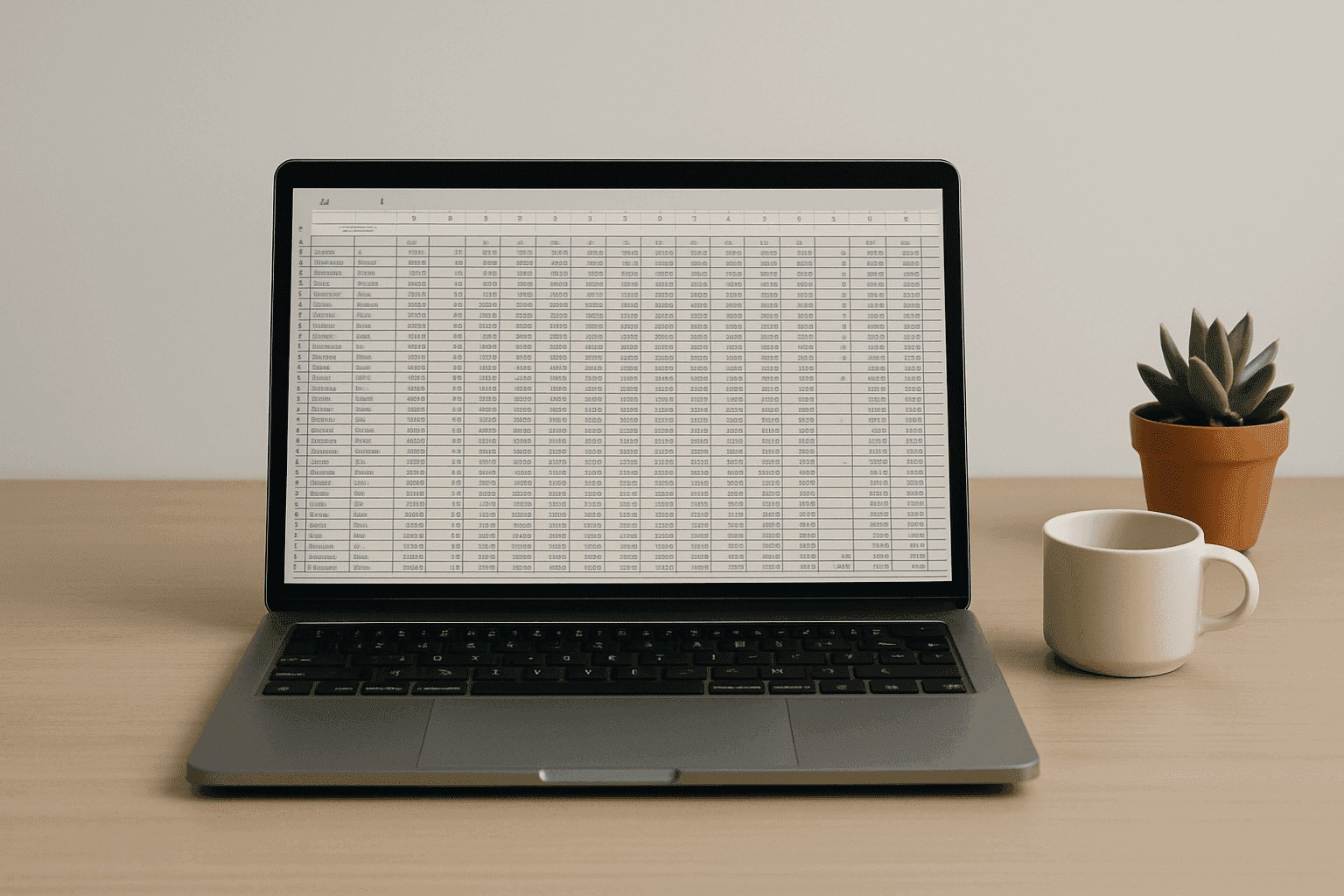
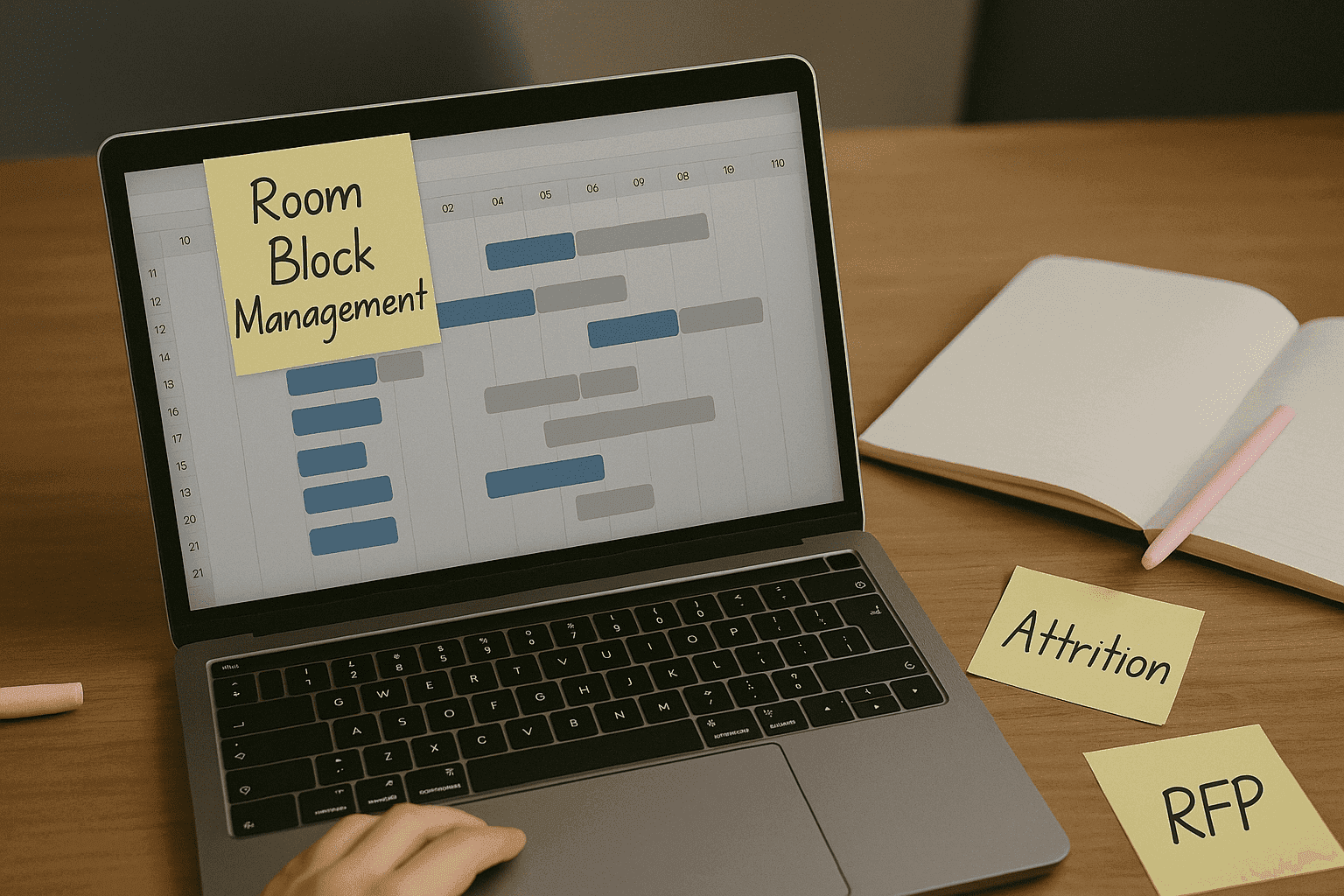
Calling all hotel reservation managers and event coordinators: if you’ve ever stared at a blinking cursor in Excel at 1 a.m. wondering “Wait, didn’t I already assign this guest a room?“—this is your sign.
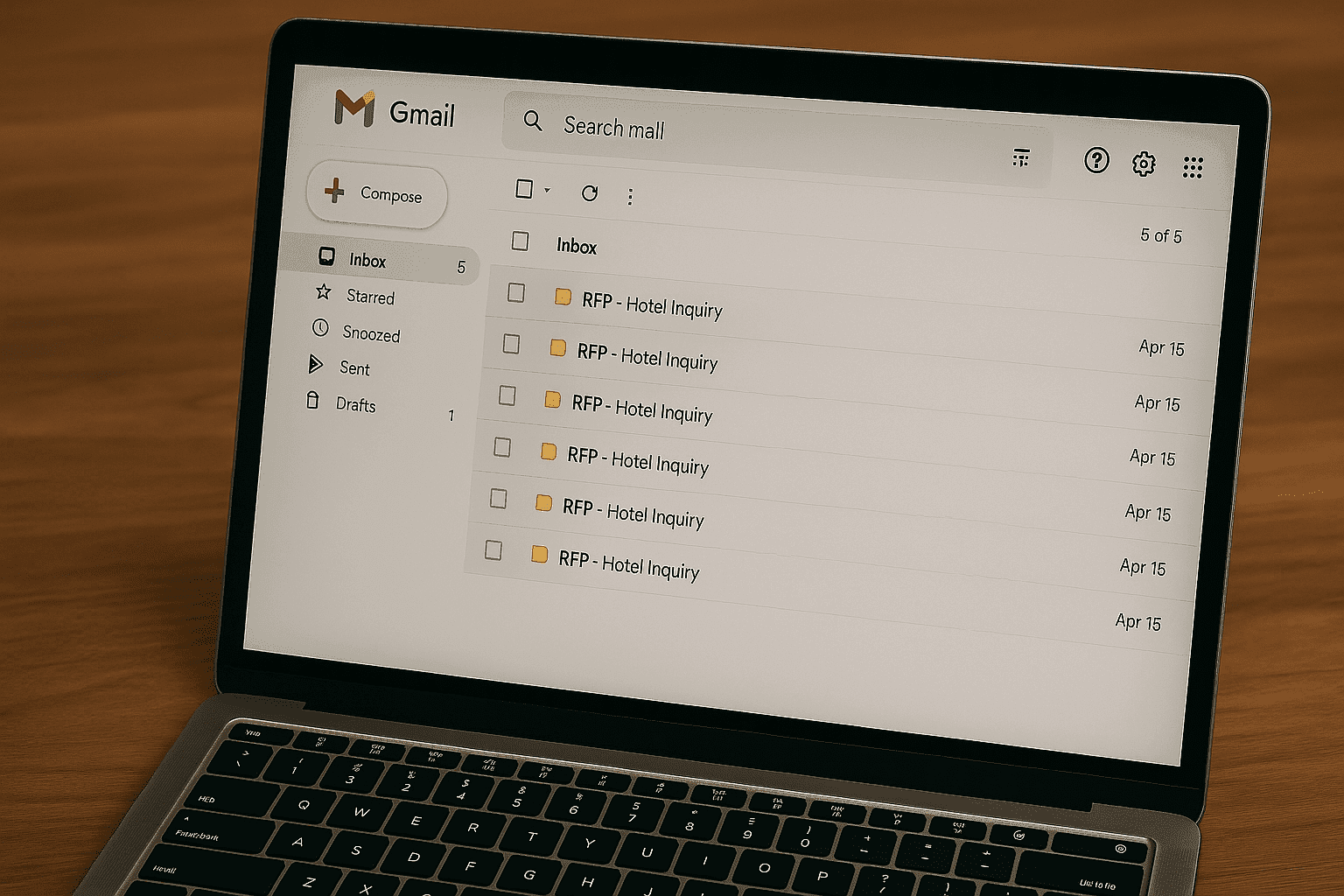
Room block management shouldn’t feel like a full-time puzzle-solving job. But with all the back-and-forth emails, mismatched files, and last-minute updates, it too often does.
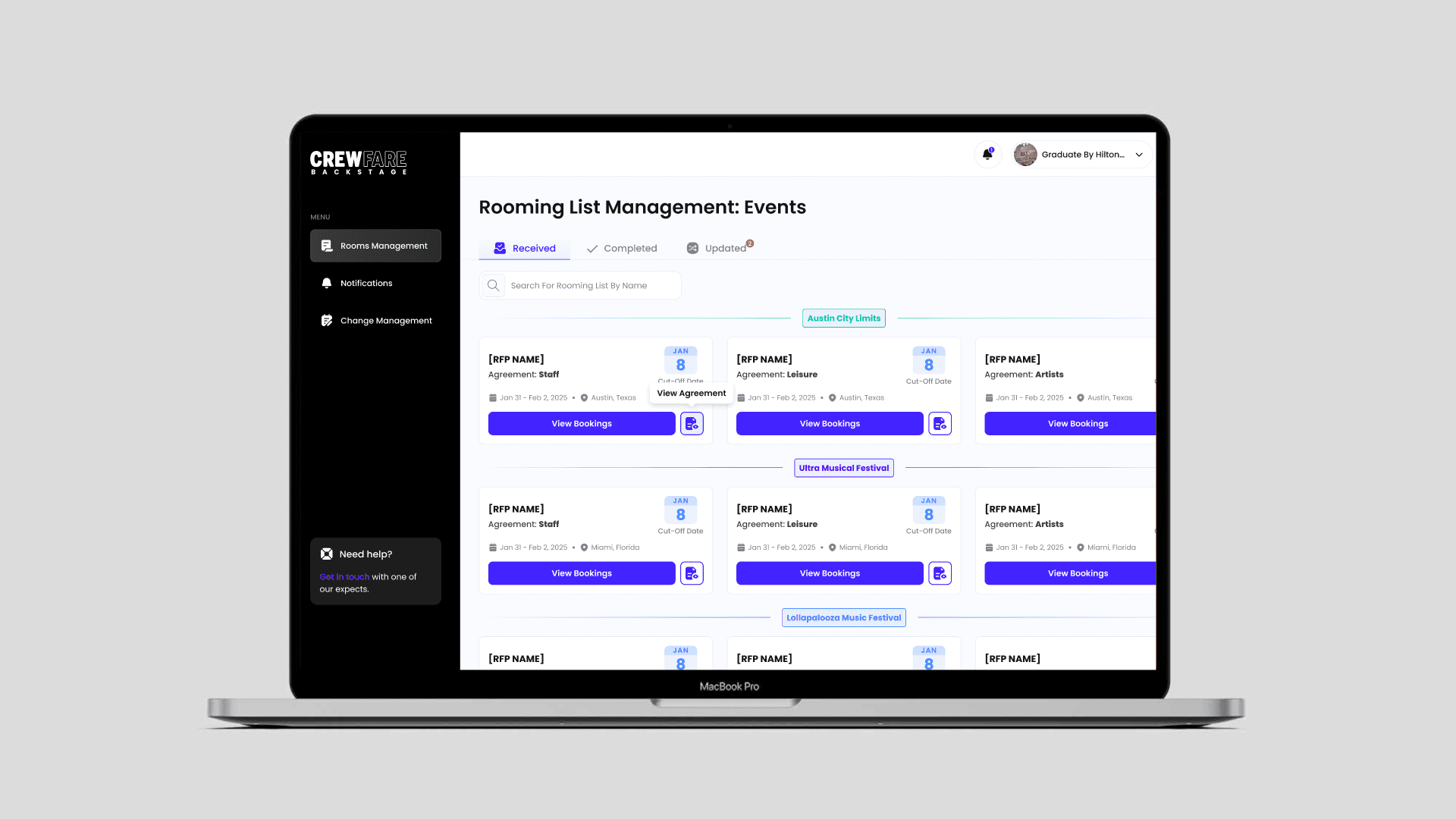
That’s why we built Digital Rooming Lists—a tool designed to take you from chaos to calm (or at least back to inbox zero). Here’s how it saves you time, headaches, and at least one caffeine-fueled meltdown:
1. One Platform to Rule Them All
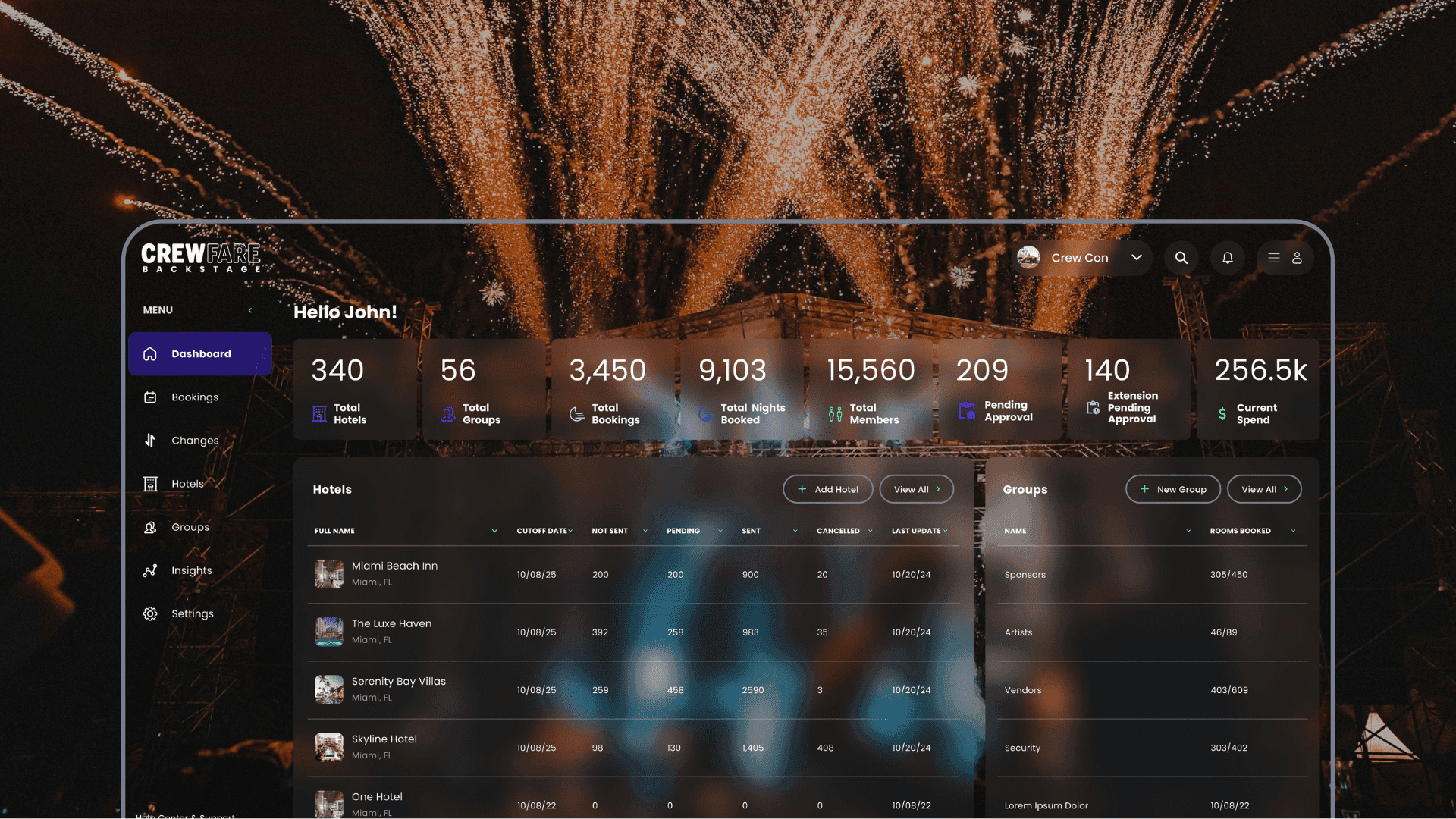
Crewfare Launchpad keeps all your room blocks and RFPs in one tidy dashboard. No more opening 12 tabs, cross-referencing 4 spreadsheets, or trying to remember where the final-final-final version of the guest list lives.
Everything’s right there when you need it. Even better? You don’t have to remember a single file name.
2. Your Inbox Can Breathe Again
You shouldn’t need to play email tag just to let someone know a cutoff date moved.
Digital Rooming Lists automates the communication—new bookings, edits, changes to cutoff dates? Boom. Everyone’s updated.
When you’re done, just hit send and the list goes to the right people, in the right place, without the dreaded “Sorry, just seeing this!” response.
3. Batch Uploading That Doesn’t Make You Cry
You know the pain: a spreadsheet that looks great… until your PMS says, “invalid format.”
With Digital Rooming Lists, you can export in 5 preset formats based on the most common property management systems. Just pick the one that works, upload it to your system, and get on with your day.
No copy-pasting. No weird formatting errors. No tears.
4. Real-Time Error Flagging
Not anymore. Our system automatically flags issues like:
- Missing or duplicate guest names
- Wrong dates
- Mismatched room types
So you can fix them fast—before they become front desk disasters.
5. Change History, Minus the Detective Work (Coming Soon)
Trying to remember who updated what and when shouldn’t feel like solving a cold case.
Our upcoming Change History feature in Digital Rooming Lists keeps a tidy log of changes, so you can easily track edits, additions, and updates without having to scan five versions of an Excel doc or scroll through an epic Gmail thread from last Tuesday.
Your time is valuable. Your team’s sanity is too.
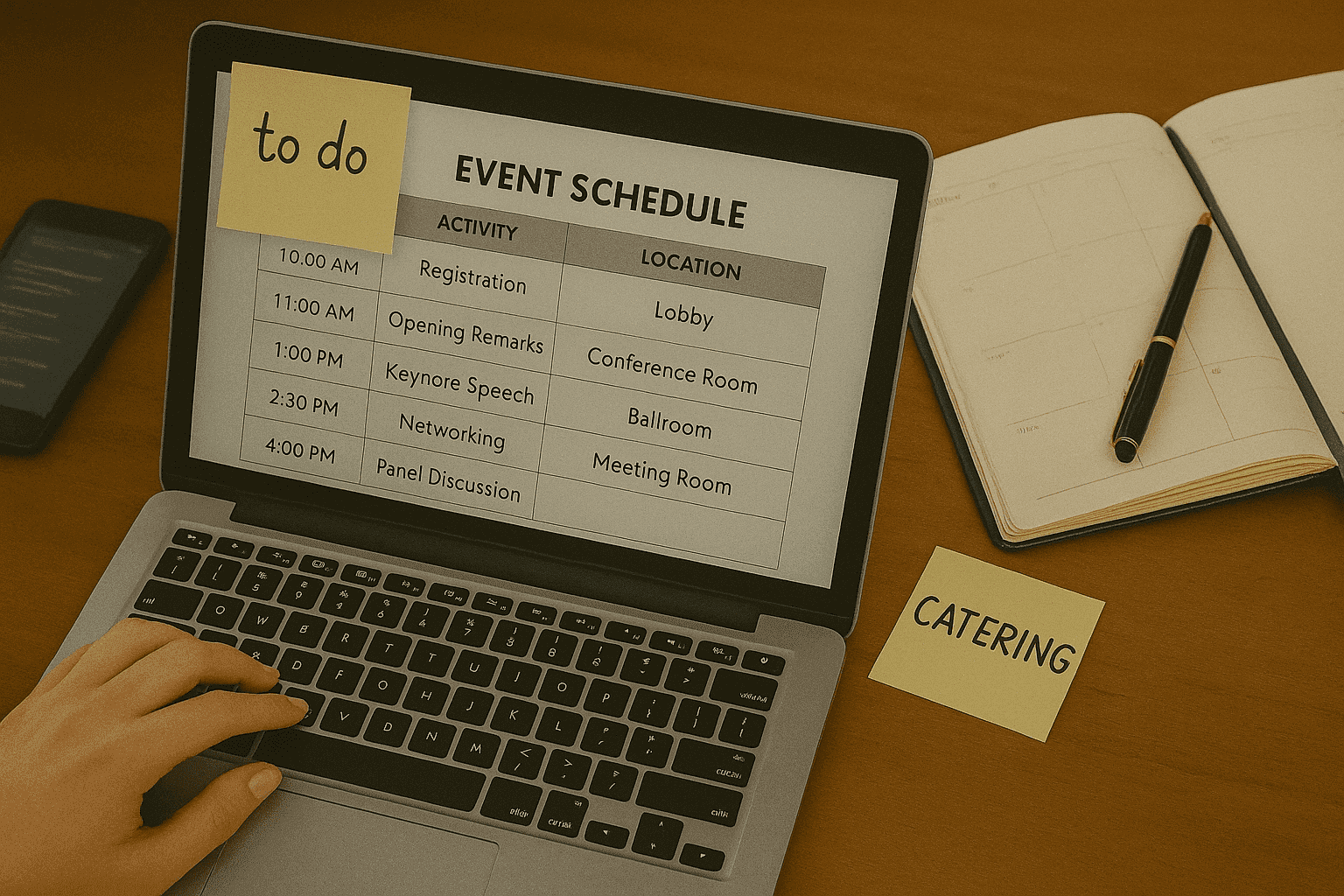
Digital Rooming Lists takes all the most painful parts of group booking coordination—manual entry, constant emails, spreadsheet confusion—and replaces them with one clean, intuitive system.
Less chaos. More control. And dare we say, maybe even a little bit… fun?
Ready to streamline your room block process?
Let’s make group bookings easier—for good. Use Launchpad.